

















hot
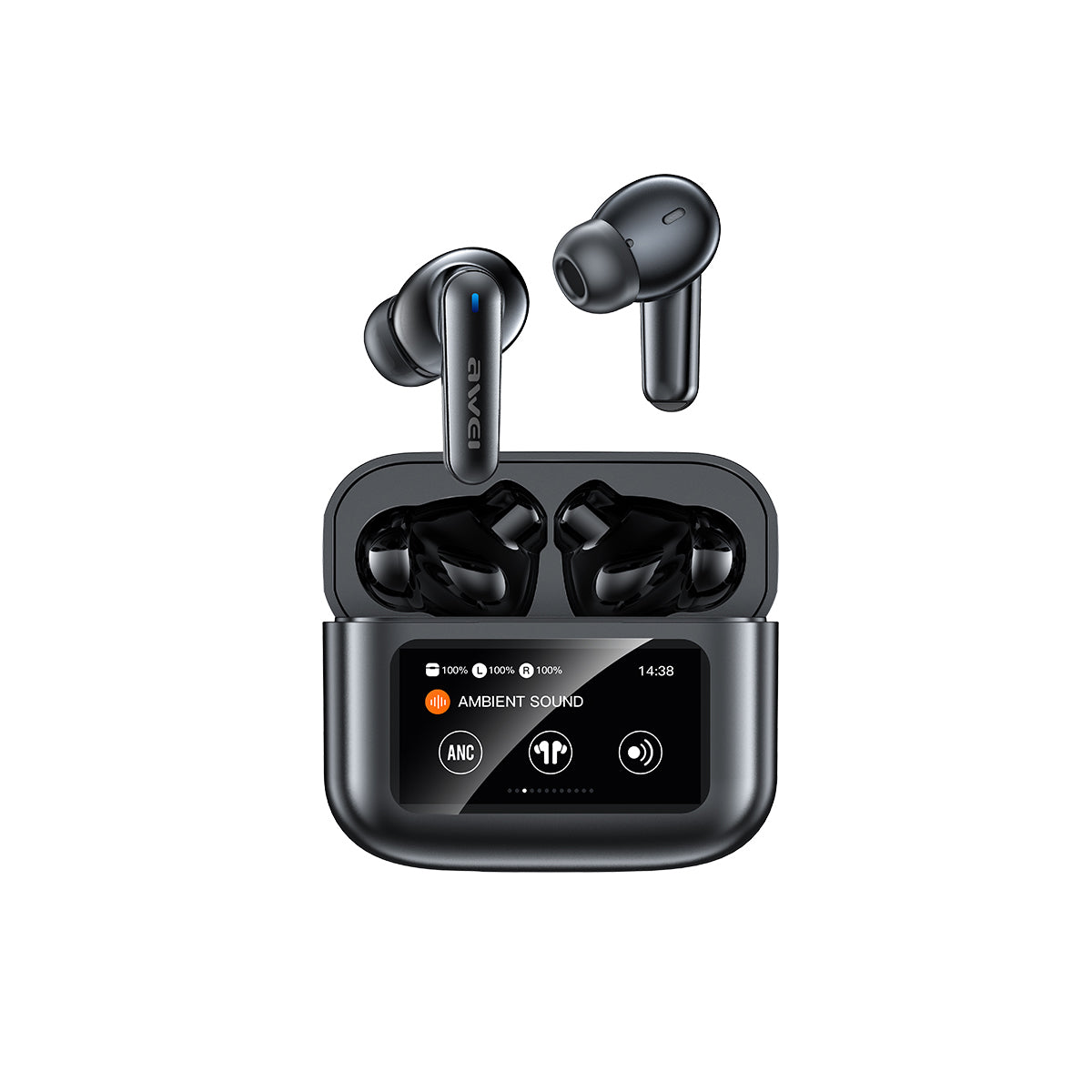
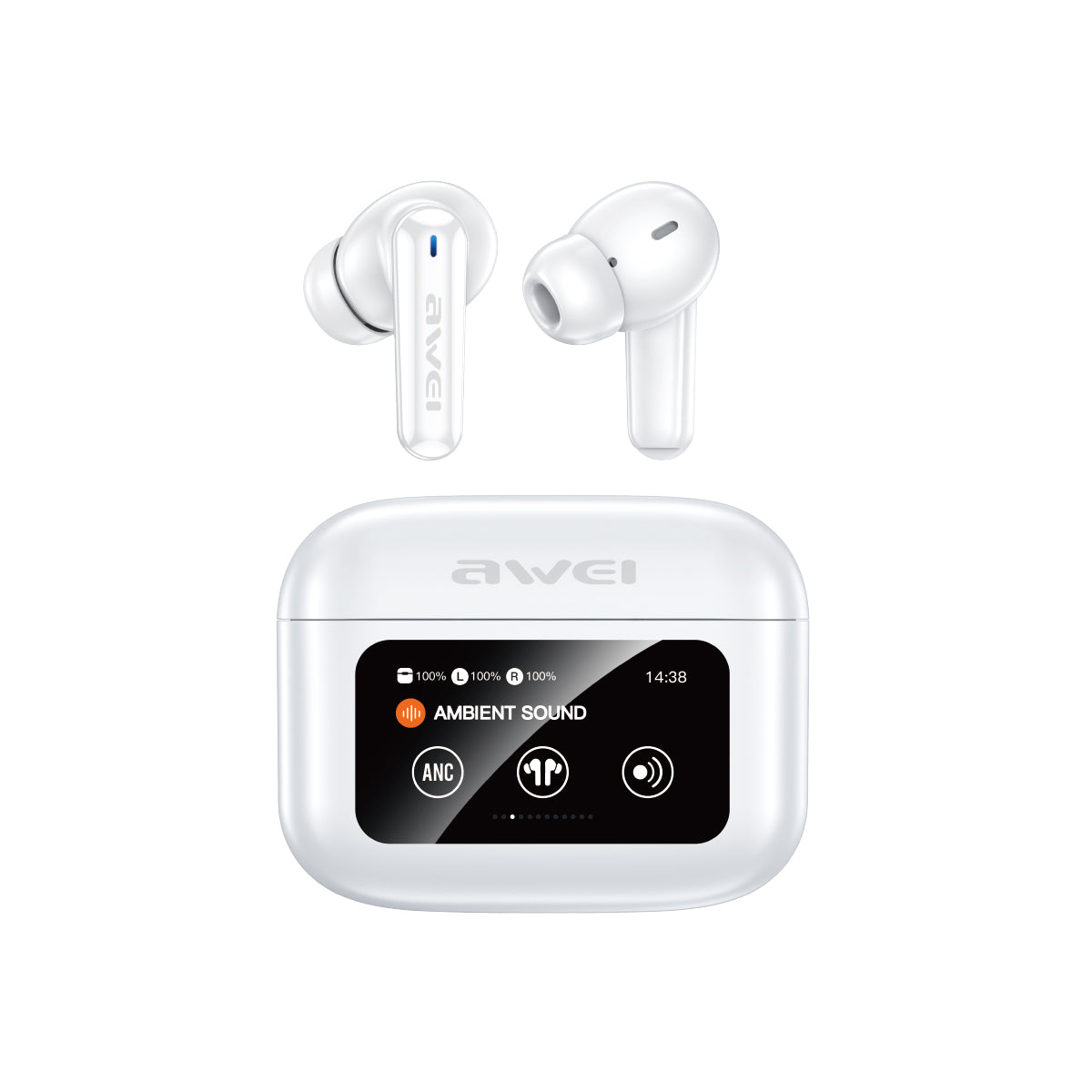
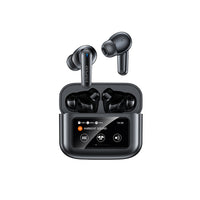
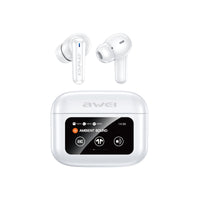
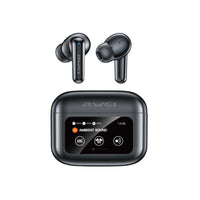
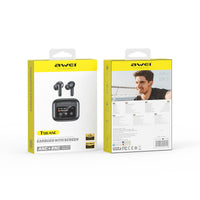
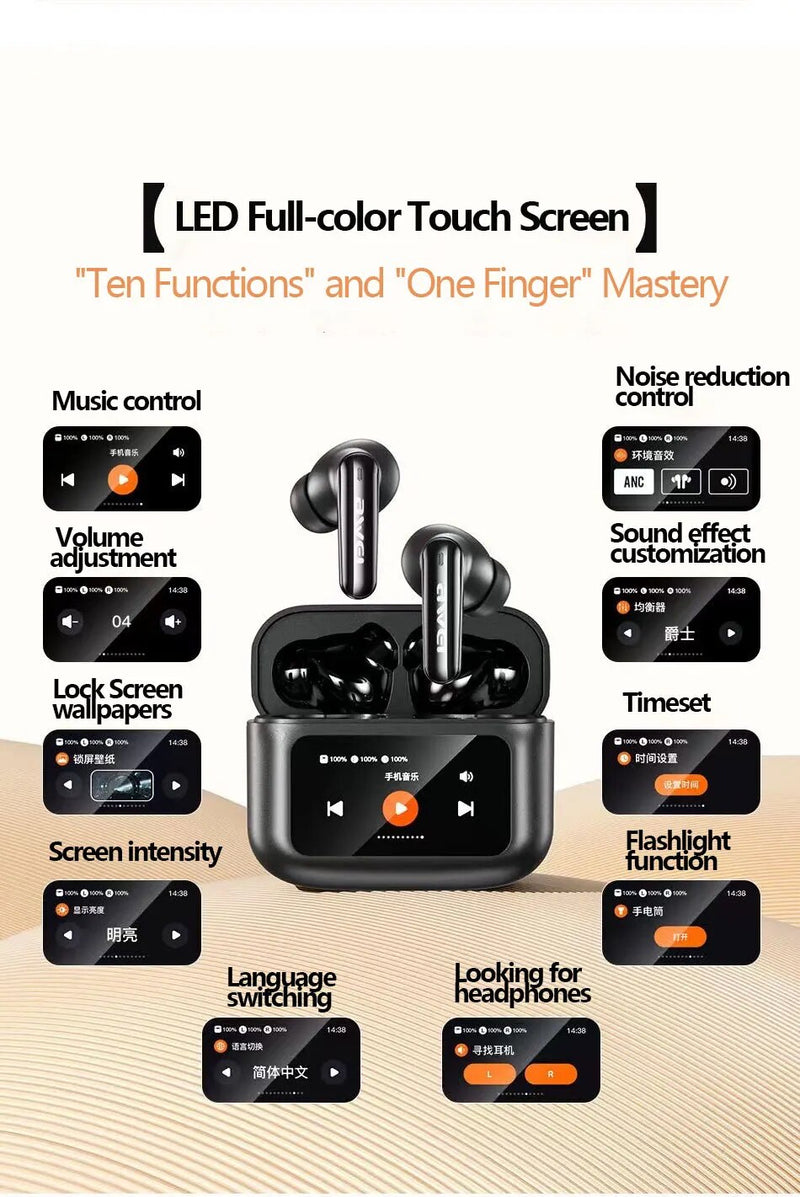
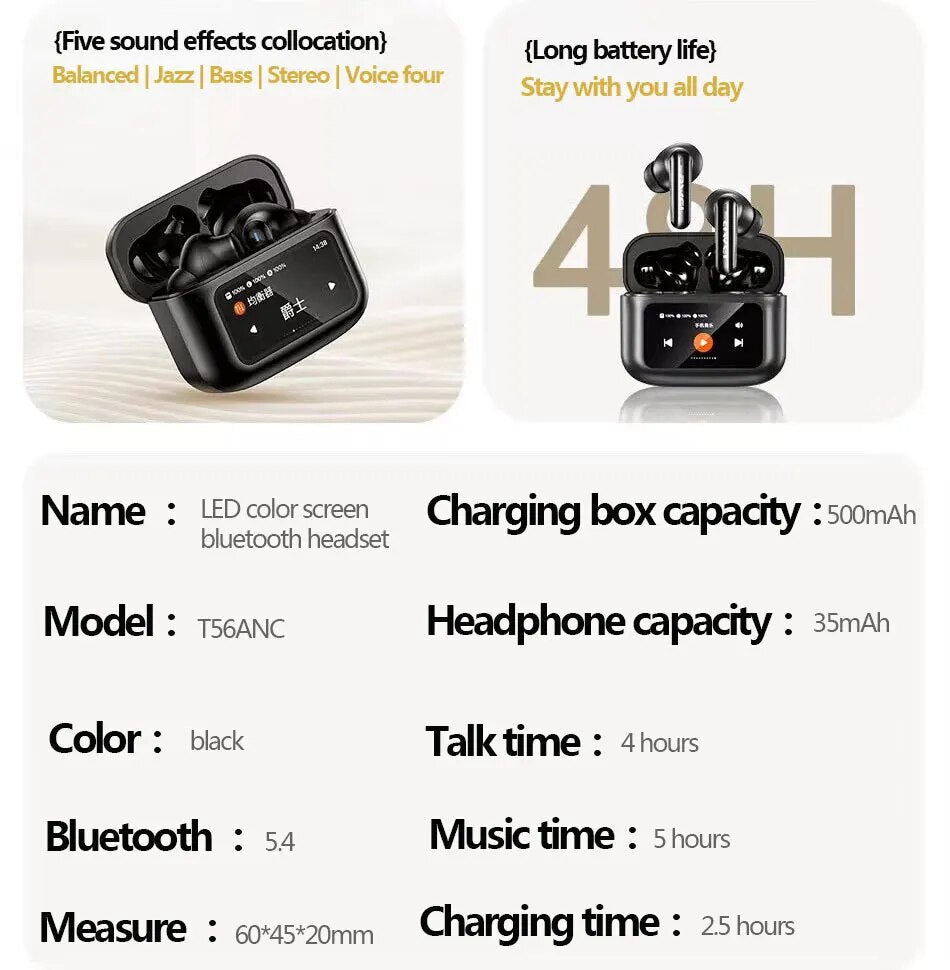
AWEI T56ANC Touch Color Screen Bluetooth Headset
You May Also Like
$19.99 OFF

AWEI T92ANC Pro Earphone (Active Noise Cancellation,Clear Calls)
$40.00$59.99
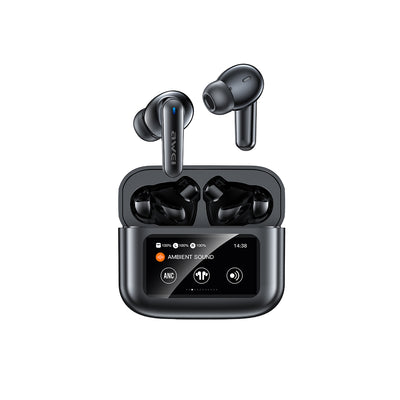
AWEI T56ANC Touch Color Screen Bluetooth Headset
$54.99

Awei T229 ANC Al Library Bluetooth Headset
$52.99
$10.99 OFF

AWEI T88 ANC AI Headphones (AI Translation,ENC Dual Noise Cancellation)
$49.00$59.99

AWEI TA19 ANC Earbuds (ANC, 360° Spatial Sound, 20H Playtime)
$59.00

AWEI TP92 ANC+ENC Earbuds (ANC+ENC, Touch Color Screen, 30H Battery, Bluetooth 6.0)
$59.00
Which Product Is Right For You?
| Product |
CURRENT
AWEI T56ANC Touch Color...
$54.99
|
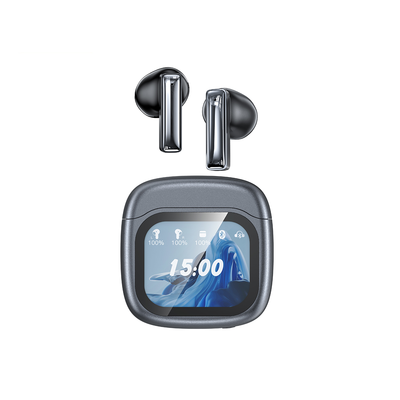
AWEI TP100ENC Touch Color...
$59.00
|

AWEI TP97 Headset (Touch...
$39.00
$69.99
|
|---|
Happy Customers
Total 5 star reviews: 8 Total 4 star reviews: 0 Total 3 star reviews: 0 Total 2 star reviews: 0 Total 1 star reviews: 0
100%would recommend this product
Slide 1 selected
8 reviews
- Jjeri.zosaRated 5 out of 5 stars23 seconds agoAirbuds with screen and noise cancellation and very more .
Thanks seller and Awei for this wonderfull gift T56 ANC , I really like it , it has so many functions and good quality of sounds. Godbless Awei fam. and More Blessings to come 🩵🫶🥰
- Jjeri.zosaRated 5 out of 5 stars5 minutes agoworth it
Very nice to use because of its features. Easy to use, very handy, good sound quality. Advanced technology and stylish.
- MMe12Rated 5 out of 5 stars7 minutes agoScreen on charging case
Really good quality wireless earphones fit perfectly as well it doesn't fall off easily, and the touchscreen is also responsive. And also the delivery was really fast.
- Cc*****fRated 5 out of 5 stars9 minutes agosuper goods
super nice quality, the product itself looks very slick. the sounds is very loud and the battery life is very long. worth every penny good jobbb.
- JjeypeeperlasRated 5 out of 5 stars10 minutes agoAMAZING
This is so amazing The quality, Sound great!!
FAQ
Q: Can I use just one single earbud while keeping the other one inside the case?
A: Yes, the T56ANC supports independent single-earbud mode. You can use either the left or right earbud alone for mono phone calls or music listening.
Q: Do they provide a low-latency mode for competitive mobile gaming?
A: Yes, the upgraded wireless chip delivers an ultra-low latency connection that perfectly synchronizes video and audio, giving you a smooth experience while gaming or watching movies.
Q: How many hours of total playtime do I get with the charging case?
A: When combined with the high-capacity charging case, the earbuds offer an extended total playback time of several dozen hours, significantly reducing your daily battery anxiety.
Q: Are these earbuds suitable for running or intense workouts at the gym?
A: Absolutely, they feature an ergonomic secure-fit design and sweat-resistant build that keeps the earbuds comfortably in place during dynamic physical activities.
Q: Can I use the touch controls to switch between noise cancellation and ambient modes?
A: Yes, you can easily toggle between active noise cancellation mode, transparency mode, and standard music mode by using simple touch gestures on the earbud stems.
Q: What is the maximum depth of active noise cancellation on the T56ANC?
A: The T56ANC features advanced active noise cancellation technology that can effectively block out unwanted background noise, allowing you to enjoy a peaceful and immersive listening experience even in loud environments.
Q: Does the charging case support wireless charging or fast charging?
A: The charging case utilizes a convenient Type-C wired charging interface that supports efficient fast charging, ensuring your earphones are powered up quickly for daily usage.
Downloads
AWEI Audio App